Command reference
Open the Command Palette with Cmd+Shift+P (macOS) or Ctrl+Shift+P (Windows/Linux), then search for AVstudio or the command title. The extension's icon prefix is omitted below.
See Keyboard shortcuts for canvas editing, saving, and Live Preview shortcuts on macOS and Windows/Linux.
The table lists the commands registered in the 27.0.29 extension manifest, including the status-menu command. “Available” means the command is contributed; it may still need a project, an active page, or account access.
| Palette title | Command ID | Status |
|---|---|---|
| Create new AVstudio project | avstudio-editor.createProject | Available |
| Generate AVStudio skill | avstudio-editor.generateAgentSkill | Available |
| Generate project README | avstudio-editor.generateProjectReadme | Available; asks before overwriting |
| Create env file | avstudio-editor.createEnvFile | Available |
| Select active env file | avstudio-editor.selectEnv | Available; workspace selection |
| Set Live Preview log level | avstudio-editor.selectLogLevel | Available |
| Add container | avstudio-editor.createContainer | Available |
| Create new connector | avstudio-editor.createConnector | Available |
| Add theme | avstudio-editor.createTheme | Available |
| Add page | avstudio-editor.createPage | Available |
| Add datasource | avstudio-editor.createDatasource | Available |
| Add local data JSON | avstudio-editor.createDatasourceLocalDataFile | Available |
| Add function | avstudio-editor.createFunction | Available |
| Add variable | avstudio-editor.addVariable | Available |
| Create new WebSocket connector | avstudio-editor.createConnector.websocket | Available |
| Create new Web connector | avstudio-editor.createConnector.web | Available |
| Create new MQTT connector | avstudio-editor.createConnector.mqtt | Available |
| Create new Crestron connector | avstudio-editor.createConnector.crestron | Available |
| Create new AMX connector | avstudio-editor.createConnector.amx | Available |
| Create new KNX connector | avstudio-editor.createConnector.knx | Available |
| Create new DoorBird connector | avstudio-editor.createConnector.doorbird | Available |
| Open page parameters | avstudio-editor.openPageParameters | Available |
| Open variables | avstudio-editor.openVariables | Available |
| Open Icon Library Explorer | avstudio-editor.openIconExplorer | Available |
| Open Live Preview (Browser) | avstudio-editor.openLive | Available |
| Set as start page | avstudio-editor.setStartPage | Available |
| Select editor window size | avstudio-editor.selectEditorSize | Available |
| Rotate editor device | avstudio-editor.rotateEditorDevice | Available |
| Run Project Health Check | avstudio-editor.runHealthCheck | Available |
| Generate project file | avstudio-editor.generateProjectFile | Available |
| Generate missing project files | avstudio-editor.generateMissingProjectFiles | Available |
| Setup AVstudio MCP server | avstudio-editor.setupMcpServer | Available |
| Build project | avstudio-editor.buildProject | Available |
| Pick start page | avstudio-editor.pickStartPage | Available; chooses from project pages |
| Set as project theme | avstudio-editor.setProjectTheme | Available; selected theme file |
| Pick project theme | avstudio-editor.pickProjectTheme | Available; chooses a project theme |
| Open project theme | avstudio-editor.openProjectTheme | Available; opens the active theme |
| AVstudio Profile | avstudio-editor.openProfile | Available |
| AVstudio MCP | avstudio-editor.mcpStatus | Status-menu command; hidden from Command Palette |
| Restart AVstudio MCP server | avstudio-editor.restartMcpServer | Available |
| Show AVstudio MCP log | avstudio-editor.showMcpLog | Available |
| Use visual editor as default for .page files | avstudio-editor.useVisualEditorAsDefault | Available; repairs editor and diff associations |
JavaScript API snippets
These 11 commands insert code into the active JavaScript editor; they do not execute it. They are also available from AVstudio API Functions in that editor’s context menu. See the runtime API.
| Palette title | Command ID |
|---|---|
| navigate - by URL path | avstudio-editor.insertSnippet.navigate |
| navigateToPage - by page name | avstudio-editor.insertSnippet.navigateToPage |
| publishAnalog - analog signal | avstudio-editor.insertSnippet.publishAnalog |
| publishDigital - digital signal | avstudio-editor.insertSnippet.publishDigital |
| publishSerial - serial signal | avstudio-editor.insertSnippet.publishSerial |
| getInstantDigitalFb - digital feedback | avstudio-editor.insertSnippet.getInstantDigitalFb |
| getInstantAnalogFb - analog feedback | avstudio-editor.insertSnippet.getInstantAnalogFb |
| getInstantSerialFb - serial feedback | avstudio-editor.insertSnippet.getInstantSerialFb |
| getDatasource - datasource data | avstudio-editor.insertSnippet.getDatasource |
| getVariableByName - read variable | avstudio-editor.insertSnippet.getVariableByName |
| setVariableByName - write variable | avstudio-editor.insertSnippet.setVariableByName |
Find and run a command
- Open the workspace containing the AVstudio project.
- For page-specific commands, activate the intended
.pageeditor first. For folder-specific creation, select the destination folder in Explorer. - Open the Command Palette and type AVstudio followed by part of the title.
- Select the matching AVstudio command, then follow any name, type, or size prompts.
- Check the resulting editor, file, notification, or Problems entry to confirm the result.
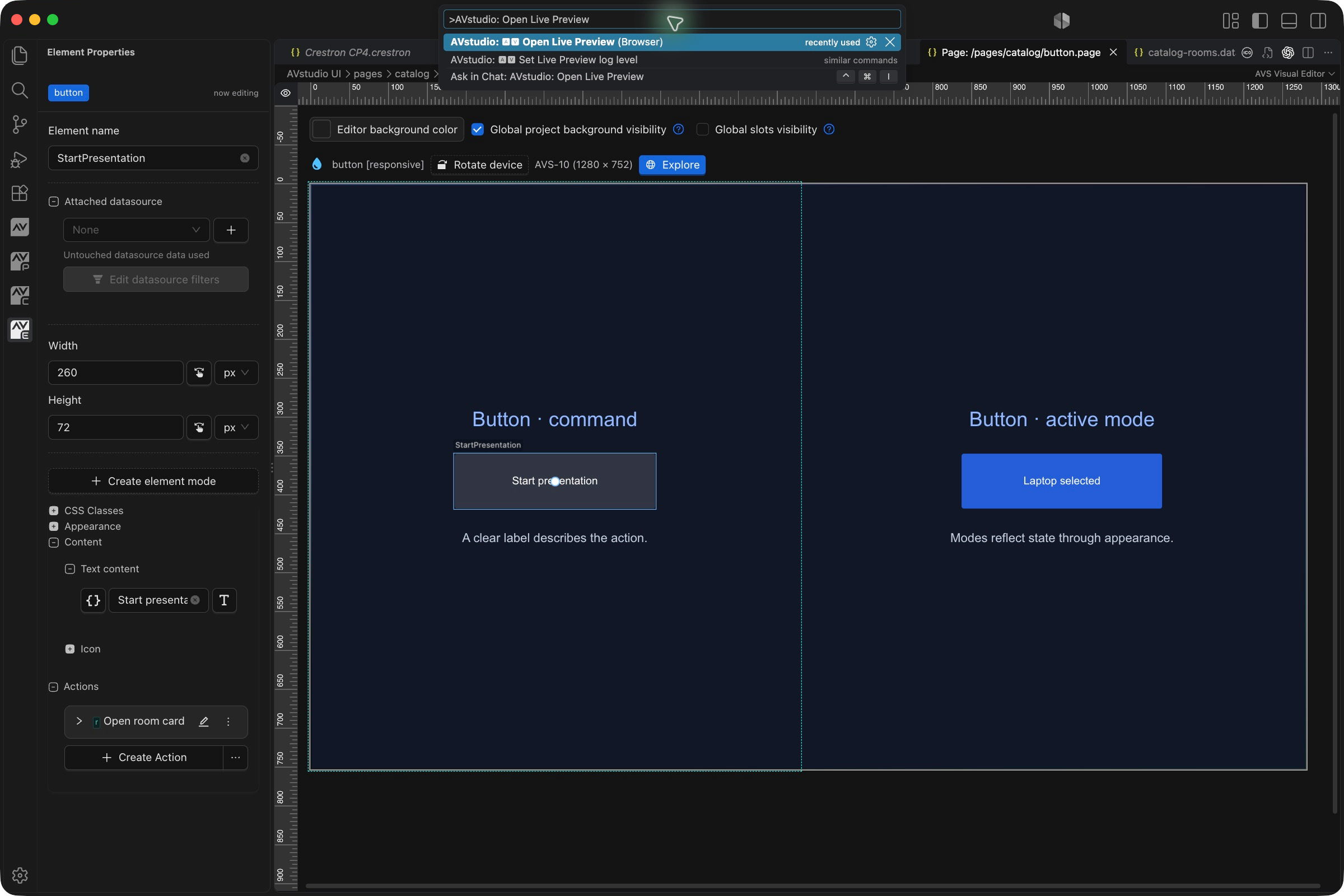
The Command Palette may also offer similarly named commands from other extensions. Choose the AVstudio result. Command IDs in the table identify the extension command; they are not shell commands to paste into a terminal.
Creation commands
| Command | Required context and result |
|---|---|
| Create new AVstudio project | Starts the project creation flow in the intended workspace. Check the destination before creating a new project. |
| Add page | Creates a .page file in the project. Use its visual editor to add content and configure layout. |
| Add container | Requires an appropriate active page. Adds a layout container; it is not a separate filesystem folder. |
| Add theme | Creates a theme definition. Review the active Theme in avstudio.config when applying it. |
| Add datasource | Creates the datasource definition; source selection, parsing/filtering, and element attachment are subsequent steps. |
| Add local data JSON | Creates local data for a datasource. It does not replace the .datasource definition. |
| Add function | Creates JavaScript function source. Inspect the generated function name and implementation before attaching it. |
| Add variable | Adds a project variable. Choose its type/default, then configure any feedback binding or actions. |
| Create new connector | Opens the connector-type picker; choose a supported type and then configure the created file. |
| Type-specific connector commands | Start creation for the named protocol. AMX creation is available; variable read/write is not yet implemented. |
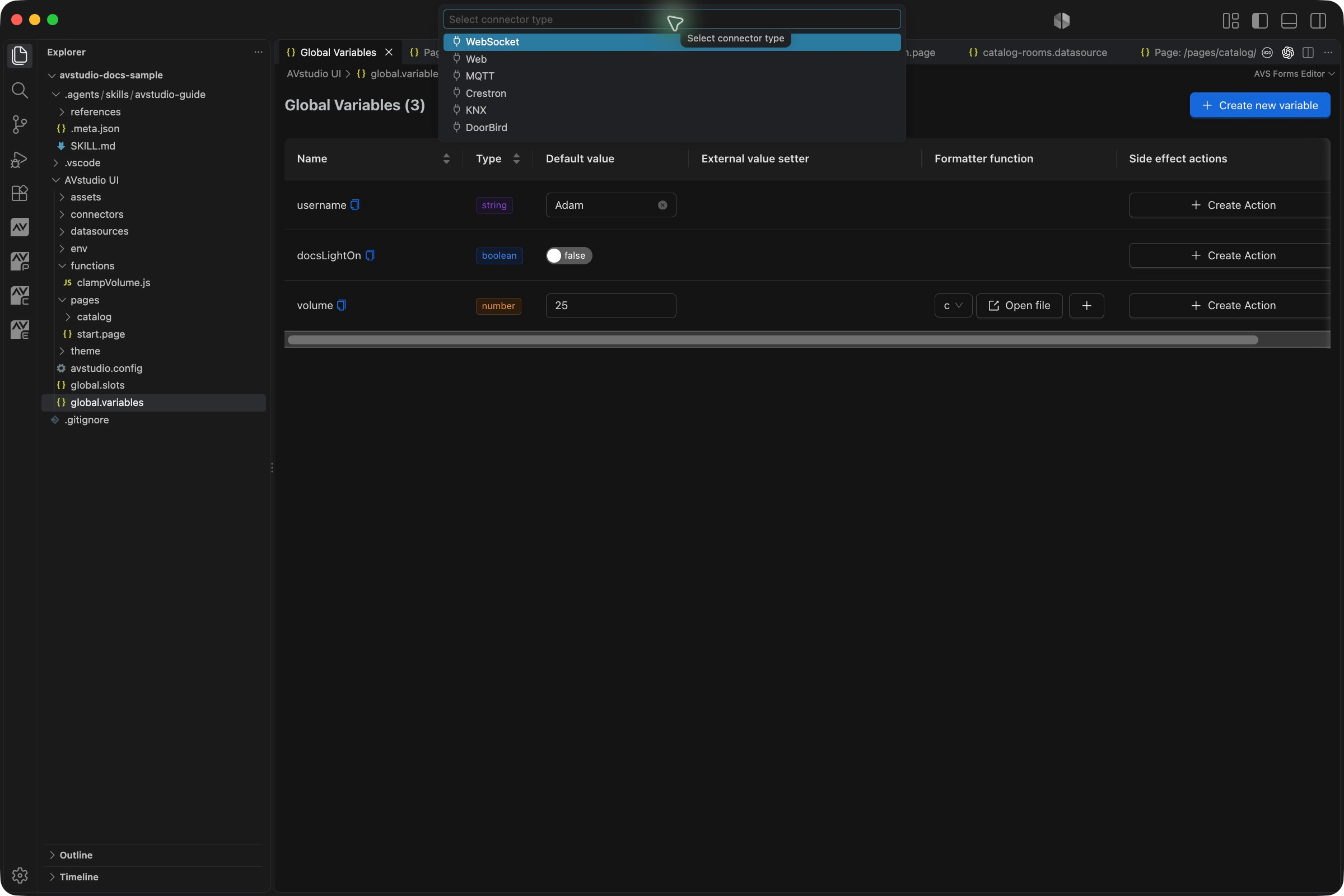
The 27.0.29 connector catalog offers WebSocket, Web, MQTT, Crestron, AMX, KNX, and DoorBird. The older screenshot above shows 0.1.54. A registered command or existing schema is not a promise that every associated action form is complete; see protocol limitations.
Where a new file goes
For file-based creation, Explorer context can determine the destination. Right-click a folder within the relevant entity tree and use its available creation command to target that folder. A selected file can provide its parent folder as context. The Command Palette or Quick Actions flow without a folder context uses the entity's root folder.
Verify the resulting path after creation, especially when the project contains nested page folders. See Project files and path conventions for reference formats. Do not assume that creating a connector, datasource, or function automatically attaches it to a control.
Open project editors
| Command or file | Use |
|---|---|
| Open variables | Open the project-wide variables editor. |
| Open page parameters | Open parameters for the intended active page; these are separate from global variables. |
| Open Icon Library Explorer | Inspect icon packs and available icons. Pack activation changes the project icon files. |
| AVstudio Profile | Open the account/profile interface. Account access may be required. |
Open global.slots in Explorer | Edit shared slot assignments and visibility. |
Open avstudio.config in Explorer | Edit project settings, start page, theme, and archive configuration. |
Open a .theme file in Explorer | Edit theme settings. |
There is no separate Open Global Slots command contributed by this manifest. Use the actual file rather than searching for a command name that is not registered.
Preview and device controls
| Command | Effect and verification |
|---|---|
| Open Live Preview (Browser) | Starts the preview workflow. Check its notification and Output → AVStudio Live Preview for the current URL. |
| Select editor window size | With an AVstudio editor active, choose a preset or custom size. Check the device dimensions above the canvas. |
| Rotate editor device | Rotate the emulated device orientation. Check the resulting layout at both orientations. |
| Set Live Preview log level | Select development logging verbosity in workspace state. Does not change production logging in avstudio.config. |
| Set as start page | Operates on the intended page selected in Explorer. Verify the Start page setting in project configuration. |
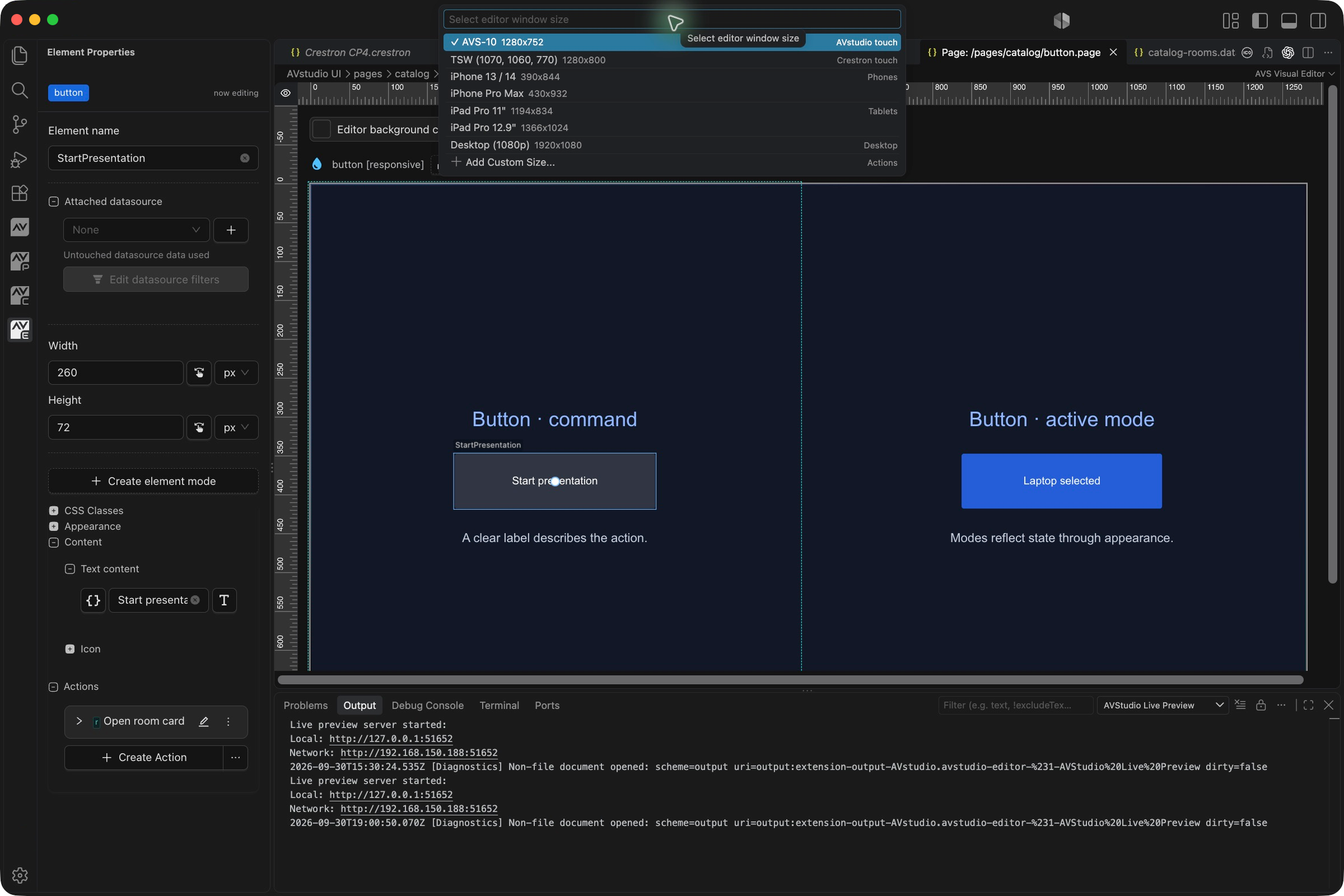
Start AVS Live Preview in Run and Debug is a launch configuration, not an additional AVstudio palette command in the 53-command manifest. The canvas also exposes controls such as Rotate device. See Live Preview and debugging for startup, logging, and target-device checks.
Diagnostics and recovery
| Command | When to use it | Limits |
|---|---|---|
| Run Project Health Check | After source edits, moves, merges, or an unexpected editor result. Inspect AVStudio diagnostics in Problems. | Does not verify live hardware communication. |
| Generate project file | Commonly invoked through the matching diagnostic Quick Fix for one missing standard item. | Needs the missing-item context; it is not a general custom-page recovery command. |
| Generate missing project files | Restore missing standard project structure. | Preserves existing files; cannot reconstruct deleted custom content. |
Resolve a broken reference by identifying the intended file or target. Generating an unrelated empty file with the missing name can hide a symptom without restoring the intended behaviour. Recover deleted custom pages or assets from source control or a backup.
AI setup and build commands
| Command | Result | Check before running |
|---|---|---|
| Generate AVStudio skill | Writes the bundled guide, legacy-import, and custom-element skill families under .agents/skills/. | Preserve local edits to generated guide files because regeneration can overwrite them. |
| Setup AVstudio MCP server | Displays setup instructions and a prompt for configuring the assistant connection. | A running server is separate from a successfully configured client. |
| Build project | Generates the configured ZIP or CH5Z archive under AVstudio UI/build/. | Save source changes and preserve any earlier release outside the build folder. |
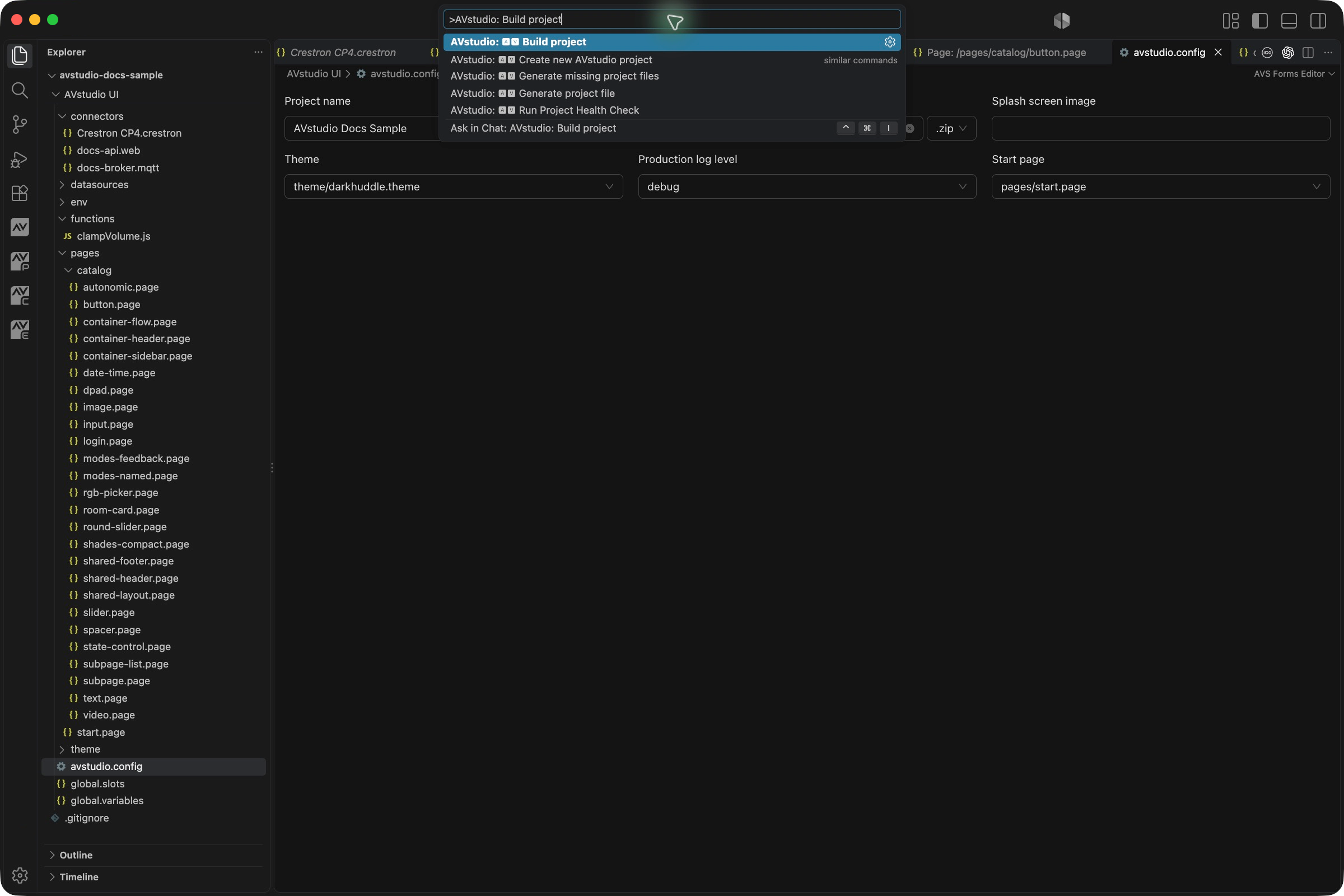
For complete workflows, use AI assistance and MCP and Build and deployment. MCP's run_command accepts allowlisted commands; it is not unrestricted access to every VS Code command.
Context and effects
- Add container, Open page parameters, and device sizing commands need an appropriate active page/editor.
- Set as start page operates on the intended page in Explorer or its editor-tab context menu. Theme tabs also offer Set as project theme.
- Creation commands use Explorer folder context where applicable.
- Generate project file is commonly invoked as a diagnostic Quick Fix for one missing item.
- Generate missing project files restores standard missing items without overwriting existing files.
- Generate AVStudio skill rewrites the generated guide; preserve custom edits first.
- Build project replaces prior output in
build/.
Open global.slots directly in Explorer for its Forms Editor. The manifest does not contribute a separate Open Global Slots palette entry in this release.
Troubleshooting command availability
| Symptom | What to check |
|---|---|
| No AVstudio results | Confirm the extension is installed/enabled and the intended workspace is open. |
| A page-specific command has no useful target | Activate the intended AVstudio .page tab rather than a settings, Markdown, or action-form tab. |
| Creation goes to an unexpected folder | Check Explorer context and the resulting file path; palette creation without folder context uses the entity root. |
| A command is registered but disabled | Check its project/page context and the installed extension version. |
| No obvious change after execution | Look for a prompt, opened editor, notification, Output entry, or Problems diagnostic before repeating the command. |
| Preview opens an unexpected initial page | Check the project's configured Start page; the selected editor tab and startup configuration have different roles. |
| Missing-file generation does not restore a design | It restores standard structure, not deleted custom page contents. |
| Build completes but an older archive was expected | Build output is replaced; retain releases outside build/. |
This list was checked against the installed 27.0.29 manifest. Older command screenshots retain their original capture version. Not every contributed command was executed during this update.